🎙
Floor
Operators and utility staff get a deliberately simple workspace: speak, type or photograph a problem, submit it, and track what happened next.
MillFlow is designed around the expensive gaps between noticing a problem and preventing it from returning. Floor users capture the signal, maintenance owns the work, and Command sees blockers, recurrence and planning opportunities—without forcing every role into the same interface.
A shared foundation for operations, maintenance, planning and management—with focused interfaces for each role.
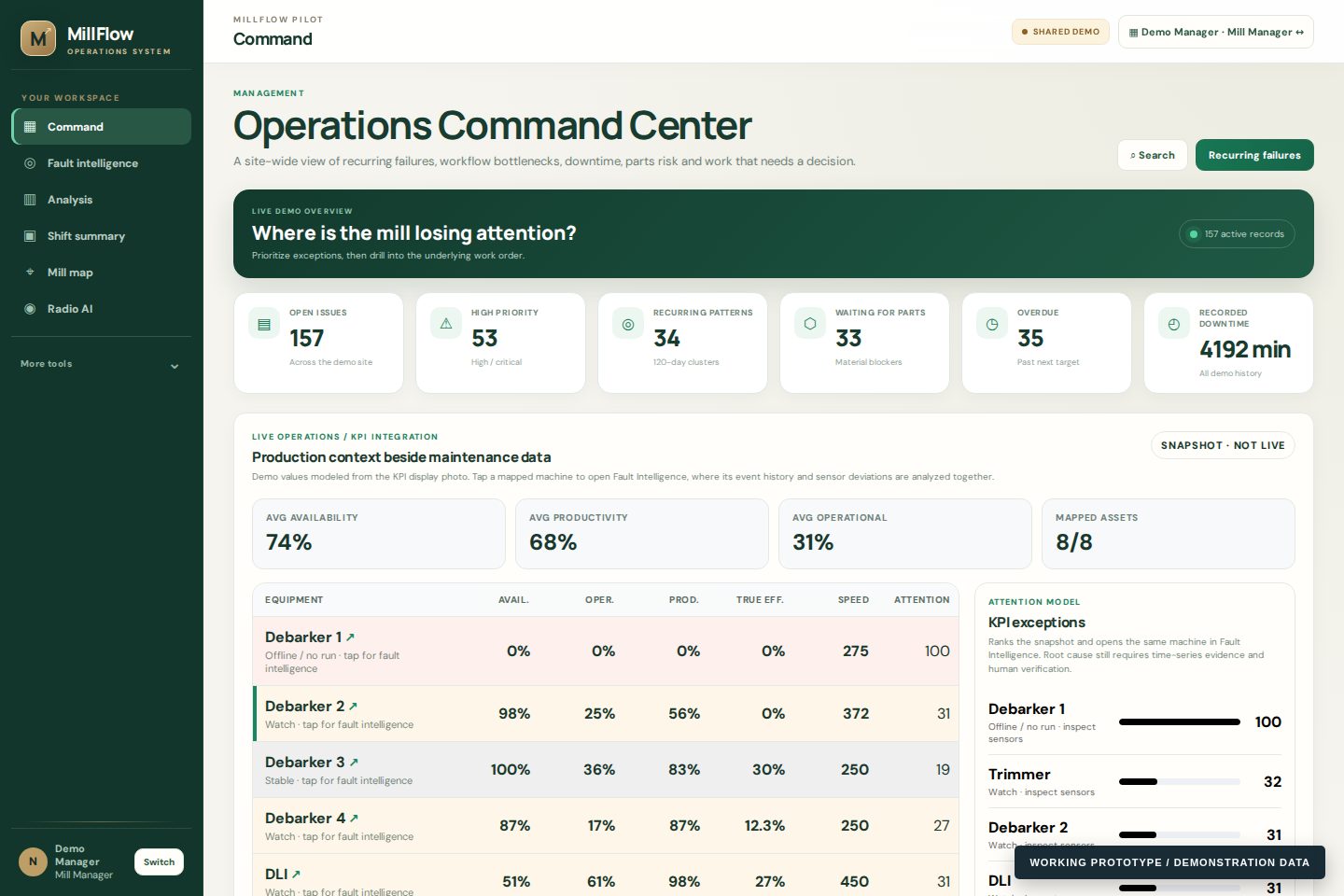
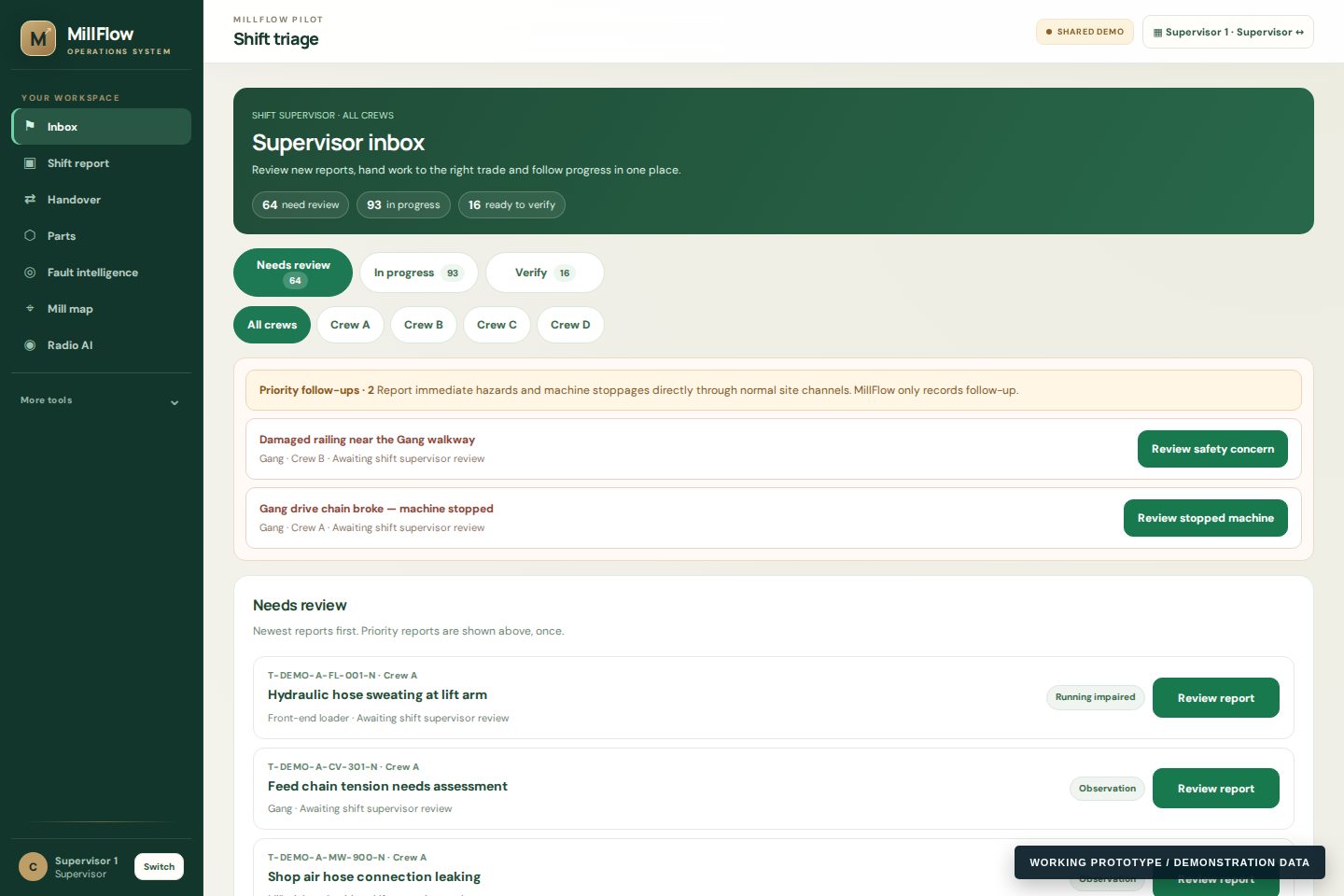
Operators and utility staff get a deliberately simple workspace: speak, type or photograph a problem, submit it, and track what happened next.
Trades, planners and stockroom staff see actionable work, parts dependencies, machine history and recurring-failure signals instead of management clutter.
Supervisors and managers see exceptions, unowned work, parts blockers and repeat-failure patterns first, then drill into the underlying records.
Workers can report with voice, text or photos. The interface suggests category, routing and priority while supervisors retain control of actual assignment and action.
Operators, supervisors, millwrights, electricians, stockroom staff, planners and managers each see information relevant to their work.
Parts records can include SKU, image, quantity, reorder threshold, shelf or bin location and usage against work.
Deferred work can be grouped into planned shutdown windows with required trades, parts, estimates and readiness.
Machine and component history is grouped into advisory repeat-failure signals. Similar reports are never auto-merged; people remain responsible for the decision.
Search tickets, machine names, maintenance history and stocked parts from one place instead of hunting through separate modules.
Reports and maintenance events are presented chronologically so a technician or manager can understand what has been happening to one machine.
The proof of concept demonstrates how speech recognition plus mill-specific vocabulary could turn radio or microphone audio into structured operational notes.
Enterprise deployments can map machine identifiers, alarms and historian tags to work records without replacing the plant historian.
Where a facility already has appropriately managed industrial cameras, events can be designed to reference the matching camera and time window.
The platform is organized around operational failure modes rather than a long module checklist.
Voice, text and photos reduce the amount of structured data a floor user has to enter manually.
Unassigned, waiting and escalated work stays visible instead of disappearing into messages and radio traffic.
Machine history and recurring signals help teams see when “new” work resembles something they already paid to repair.
The public demo is currently paused. Secure pilots use approved accounts and site-specific configuration so the workflow can be evaluated without exposing a public workspace.